Fault code 01 shown on the display with the fault icon on: Input current is abnormal..
CauseInput current is abnormal.
Recommended fix1. Restart the converter. 2. If the problem remains, please contact your installer.
Source:page 20
Fault code 01 shown on the display with the fault icon on: Input current is abnormal..
CauseInput current is abnormal.
Recommended fix1. Restart the converter. 2. If the problem remains, please contact your installer.
Source:page 20
Fault code 02 shown on the display with the fault icon on: Battery current is abnormal..
CauseBattery current is abnormal.
Recommended fix1. Restart the converter. 2. If the problem remains, please contact your installer.
Source:page 20
Fault code 03 shown on the display with the fault icon on: Output current is abnormal..
CauseOutput current is abnormal.
Recommended fix1. Restart the converter. 2. If the problem remains, please contact your installer.
Source:page 20
Fault code 04 shown on the display with the fault icon on: Average input current is abnormal..
CauseAverage input current is abnormal.
Recommended fix1. Restart the converter. 2. If the problem remains, please contact your installer.
Source:page 20
Fault code 05 shown on the display with the fault icon on: Average battery current is abnormal..
CauseAverage battery current is abnormal.
Recommended fix1. Restart the converter. 2. If the problem remains, please contact your installer.
Source:page 20
Fault code 06 shown on the display with the fault icon on: Average output current is abnormal..
CauseAverage output current is abnormal.
Recommended fix1. Restart the converter. 2. If the problem remains, please contact your installer.
Source:page 20
Fault code 07 shown on the display with the fault icon on: Temperature is too high..
CauseTemperature is too high.
Recommended fix1. Check temperature on the LCD. 2. Check if fan is working. 3. If the problem remains, please contact your installer.
Source:page 20
Fault code 08 shown on the display with the fault icon on: Fan is locked..
CauseFan is locked.
Recommended fix1. Check if fan is working. 2. If the problem remains, please contact your installer.
Source:page 20
Fault code 09 shown on the display with the fault icon on: PV voltage is too high..
CausePV voltage is too high.
Recommended fix1. Measure PV input voltage and check if it's over specification. 2. If yes, please reduce the PV panels. 3. If not, restart the converter. 4. If the problem remains, please contact your installer.
Source:page 20
Warning code 20 flashing on the display: Battery voltage is too high..
CauseBattery voltage is too high.
Recommended fixThe unit keeps operating. Clear the condition shown and the warning resets automatically; if it persists, contact your installer or the repair centre.
Source:page 20
Warning code 21 flashing on the display: Battery voltage is too low..
CauseBattery voltage is too low.
Recommended fixThe unit keeps operating. Clear the condition shown and the warning resets automatically; if it persists, contact your installer or the repair centre.
Source:page 20
Warning code 22 flashing on the display: Solar voltage is too high..
CauseSolar voltage is too high.
Recommended fixThe unit keeps operating. Clear the condition shown and the warning resets automatically; if it persists, contact your installer or the repair centre.
Source:page 20
Warning code 23 flashing on the display: Solar voltage is too low..
CauseSolar voltage is too low.
Recommended fixThe unit keeps operating. Clear the condition shown and the warning resets automatically; if it persists, contact your installer or the repair centre.
Source:page 20
Warning code 24 flashing on the display: Battery voltage had reached to stop discharging..
CauseBattery voltage had reached to stop discharging.
Recommended fixThe unit keeps operating. Clear the condition shown and the warning resets automatically; if it persists, contact your installer or the repair centre.
Source:page 20
Warning code 25 flashing on the display: Energy meter is not able to be detected..
CauseEnergy meter is not able to be detected.
Recommended fixThe unit keeps operating. Clear the condition shown and the warning resets automatically; if it persists, contact your installer or the repair centre.
Source:page 20

Price incl. VATAED 844
Send us the code on your screen and a Voltronic technician will reply with the exact steps for your unit. If the unit needs replacing, order it online.
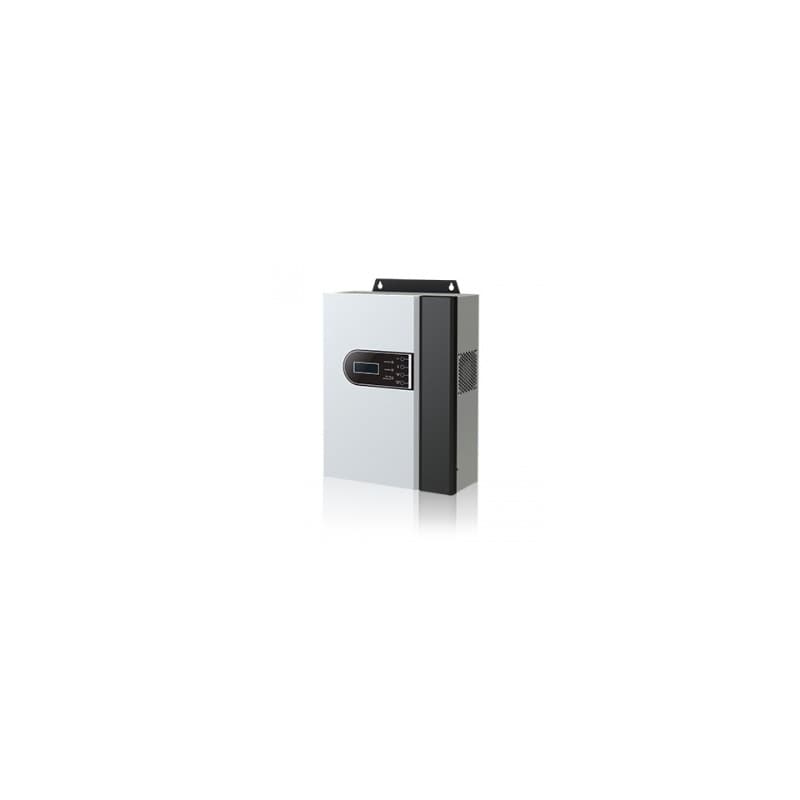
This is the complete fault table for the Voltronic DC Converter 3KW Inverter — all 15 codes from the official manual on one page. On Voltronic units, a fault code means the unit has cut its output and the red LED stays solid; a warning flashes the red LED while the unit keeps running.
Last checked against the official manuals on 27 July 2026.
Compiled from official Voltronic user manuals. Always consult your device manual and a qualified technician before performing repairs.