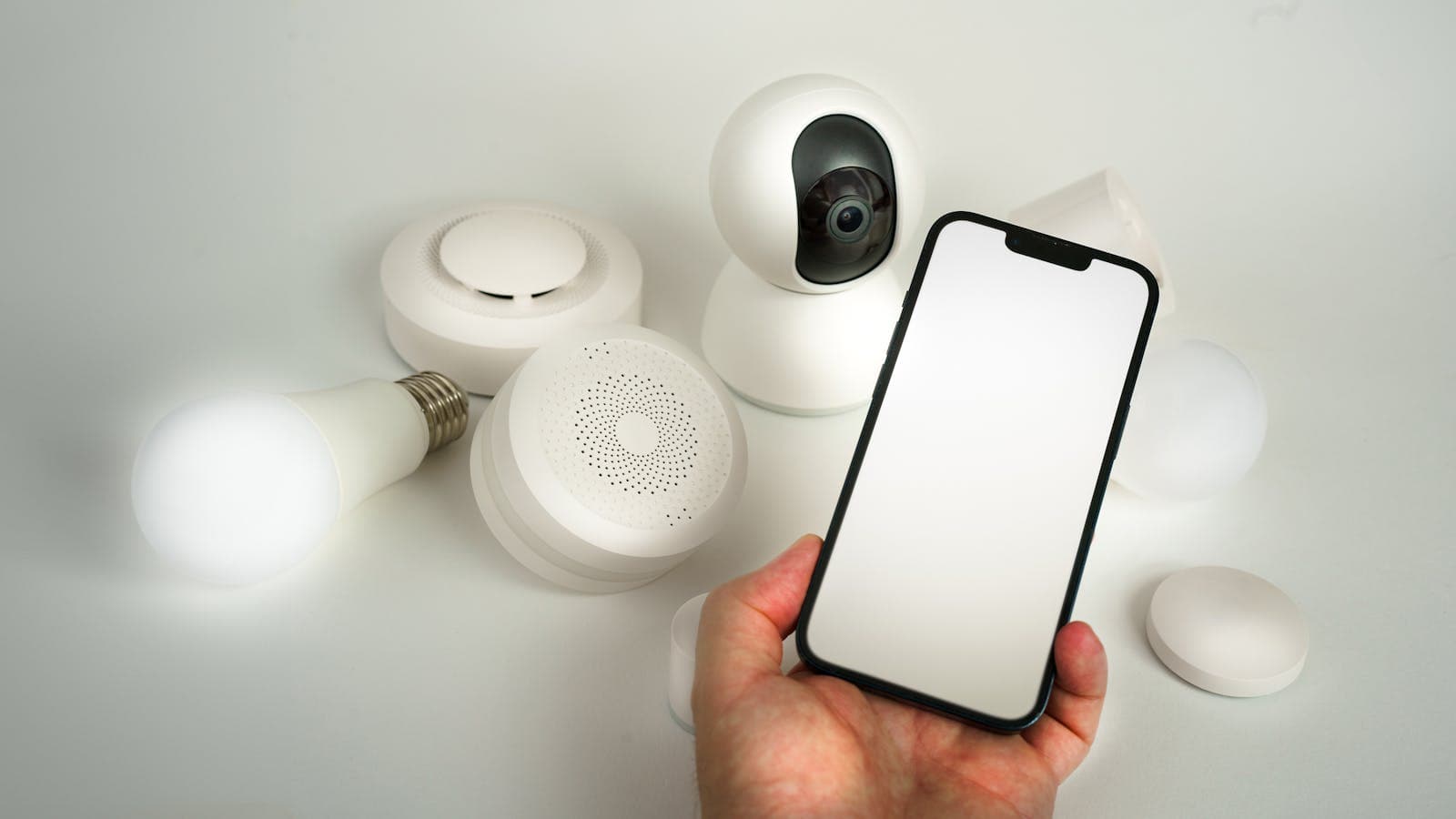
Set up WiFi monitoring for Voltronic Axpert, InfiniSolar, and UPS systems. App configuration, cloud dashboard, alerts, and troubleshooting tips.
Why Remote Monitoring Matters
Remote monitoring transforms your Voltronic power system from a passive device into an actively managed asset. Through a WiFi connection and cloud dashboard, you can track real-time performance, receive alerts for issues, analyze historical data, and optimize your system — all from your smartphone or computer, anywhere in the world.
Compatible Voltronic Products
- Axpert series (off-grid inverters) — all models with monitoring port
- InfiniSolar series (hybrid inverters) — all models
- Online UPS systems — models with SNMP/network card slot
- Line-interactive UPS — select models with USB/RS-232 monitoring
Setting Up WiFi Monitoring: Step by Step
Step 1: Install the WiFi Module
Insert the Voltronic WiFi dongle into the monitoring port on your inverter or UPS. The port is typically located on the bottom or side panel. The module should click securely into place and the LED should begin blinking.
Step 2: Download the Monitoring App
Download the monitoring app from the Apple App Store or Google Play Store. Create an account using your email address.
Step 3: Connect WiFi Module to Your Network
- Open your phone's WiFi settings and connect to the WiFi module's access point (typically named "WiFi_XXXX")
- Open the app and follow the setup wizard
- Select your home WiFi network and enter the password
- The module will connect to your network and register with the cloud server
- The LED should change from blinking to solid, indicating successful connection
Step 4: Register Your Device
In the app, add your device using the serial number printed on the WiFi module or inverter. Once registered, data will begin appearing on your dashboard within minutes.
Dashboard Features
- Real-time power flow: See solar production, battery charge/discharge, grid import/export, and load consumption in real time
- Battery status: State of charge, voltage, current, and temperature
- Energy statistics: Daily, weekly, monthly, and yearly energy production and consumption charts
- Alerts and notifications: Push notifications for faults, low battery, grid failure, and other events
- Remote settings: Adjust operating mode, charging parameters, and output source priority remotely (supported models)
- Multi-site management: Monitor multiple installations from a single account
Troubleshooting Common WiFi Issues
| Problem | Cause | Solution |
|---|---|---|
| Module LED not lighting | Module not seated properly | Remove and re-insert firmly |
| Cannot find module WiFi AP | Module needs reset | Hold reset button for 5 seconds |
| Connected but no data | Cloud server communication issue | Check internet connection, restart router |
| Intermittent disconnections | Weak WiFi signal | Install WiFi extender near inverter |
| App shows offline | WiFi password changed | Re-configure module with new password |
SNMP Monitoring for UPS Systems
For enterprise UPS monitoring in data center environments, Voltronic offers SNMP network cards that integrate with:
- Network management systems (NMS)
- DCIM platforms
- Nagios, Zabbix, PRTG, and other monitoring tools
- Automatic server shutdown software
Frequently Asked Questions
Common monitoring questions.
Frequently Asked Questions
Does the WiFi module work with 5 GHz networks?
Can I monitor multiple inverters from one app?
How much data does the WiFi module use?
Ready for a personalized quote?
WhatsApp us — average reply time under 15 minutes.